
Supplier and customer onboarding
New suppliers and customers complete their own registration
An onboarding portal where new suppliers and customers submit their own details and documents, with checks and approval built in. For procurement departments, wholesalers, business service providers and organisations with compliance requirements.
Sound familiar?
It takes weeks to get a new supplier into the system
It is always the same details and documents. Yet they are collected and checked manually every time.
- The registration form goes back and forth as a Word file, often more than once.
- The KvK number, address and IBAN are retyped into the ERP. You only notice an error in the IBAN when you make the first payment.
- Documents, certificates and declarations are missing.
- Procurement, finance and compliance approve in sequence, by email, and no one has visibility of turnaround times.
The solution
Onboarding with checks and approval built in
The new supplier or customer completes their own registration. Details are retrieved and checked, documents are checked for validity, and the registration goes to every department that needs to approve it.
- company details retrieved from the Dutch Business Register
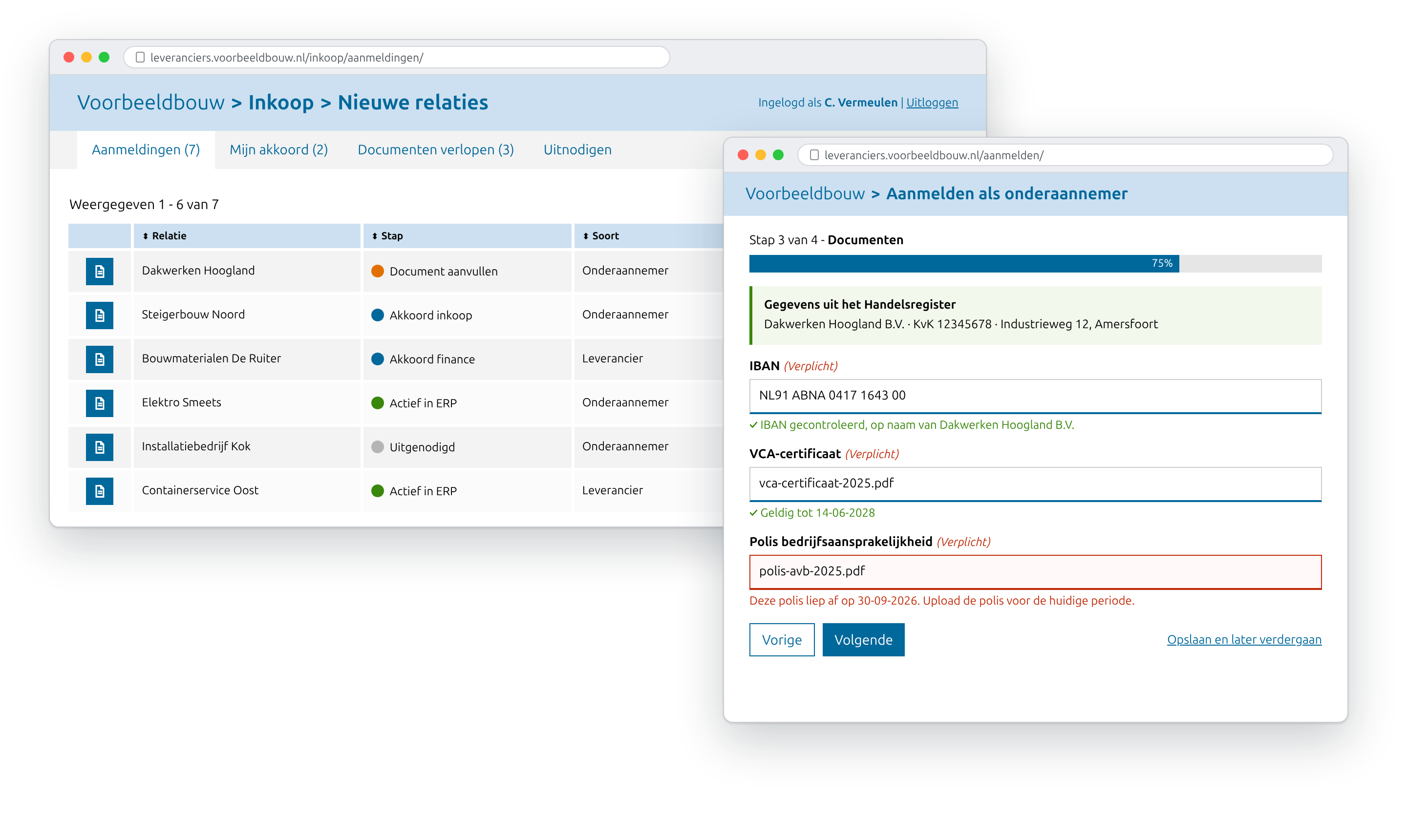
- checks on IBAN, VAT number and required documents
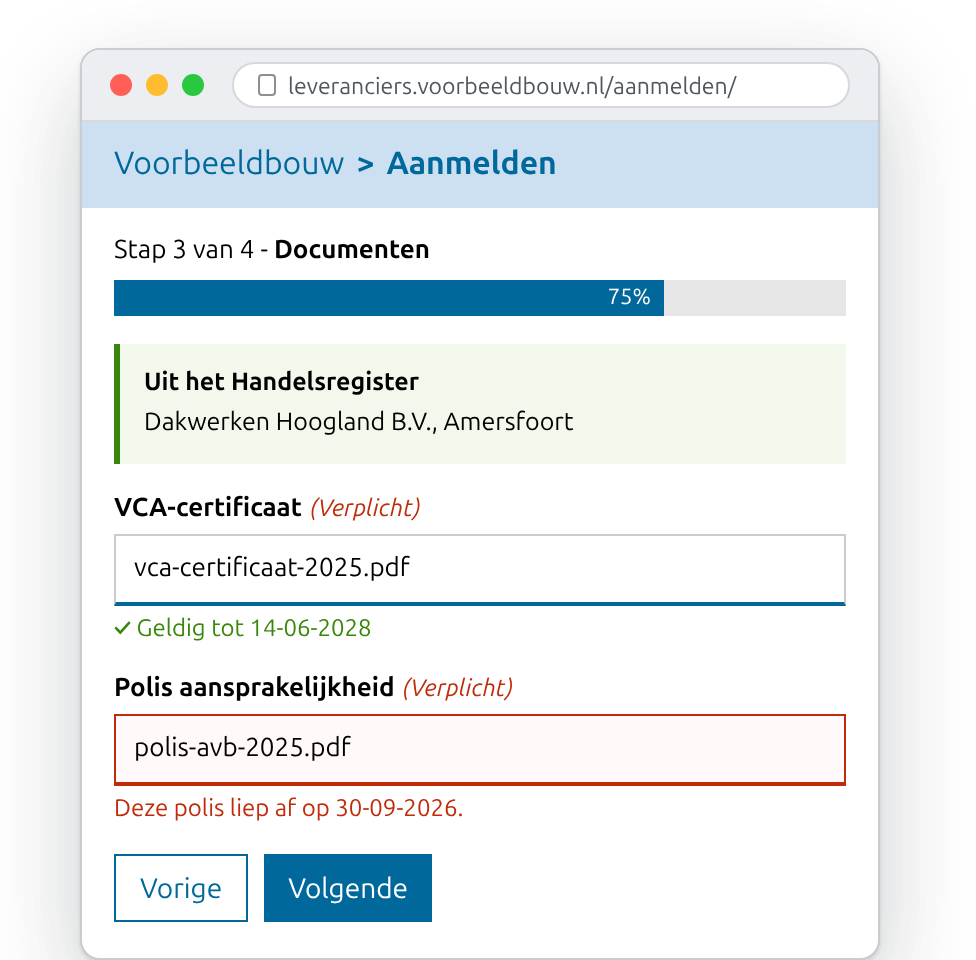
- documents with expiry dates and automatic reminders
- approval from procurement, finance and compliance in one workflow
- record created in your ERP or CRM once everything is complete
How the process flows
- InvitationThe new supplier or customer receives a personal link.
- RegistrationCompany details are retrieved; documents are checked immediately.
- ReviewProcurement, finance and compliance give their approval in a set order.
- ActivationThe supplier or customer record is created in your ERP or CRM.
- MaintenanceReplacements for expired documents are requested automatically.
Now
Word forms and email
- forms come back half completed
- details are retyped
- documents expire unnoticed
- approval relies on forwarded emails
- weeks between registration and the first order
Next
One onboarding portal
- the supplier or customer submits everything themselves
- details retrieved and checked
- document validity monitored
- approval from all departments in one workflow
- active in your own system straight away
Example workflow
How a new supplier will move through the process
Example process
Construction company, 40 new subcontractors a year
Currently, new subcontractors receive a Word form, and procurement chases VCA certificates and insurance policies by email. Here is how one new subcontractor moves through the process:
- Day 1 · InvitationProcurement invites a plastering company. The company details come from the Dutch Business Register.
- Day 2 · DocumentsThe company uploads its VCA certificate and insurance policy. The portal checks that they are valid.
- Day 3 · ApprovalProcurement and finance approve the registration, each for their own area. The subcontractor is then added to the ERP.
- Months later · ExpiryThe insurance policy is about to expire. The subcontractor automatically receives a request to upload the new one.
Discuss your onboarding process
In 30 minutes, we discuss how new suppliers or customers currently register, which checks are needed and who needs to approve.
- no detailed plan needed
- you share your process and bottleneck
- together we decide on a suitable next step


You will speak to Jurriaan Koops or René Serier, the partners at Aiwos.
After submitting
- A personal response within one working day
- A 30-minute conversation at a time that suits you
- A concrete next step, even if we are not the right fit