
Process portals
Control over applications, tasks and status
Your team searches for documents in inboxes, tracks statuses in Excel and answers the same questions again and again. A process portal brings your team, your customers, partners or members and all the next steps together in one place.
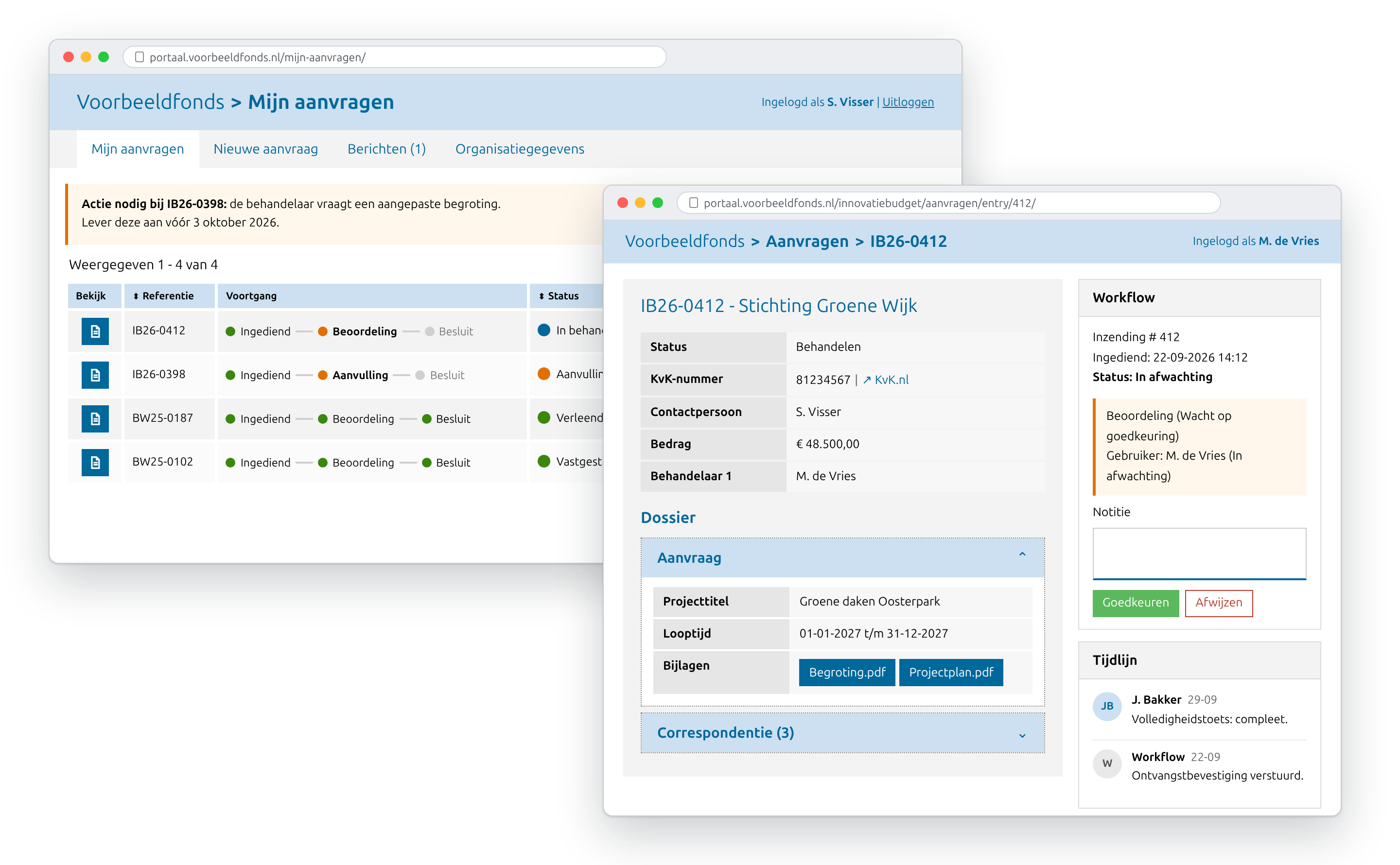
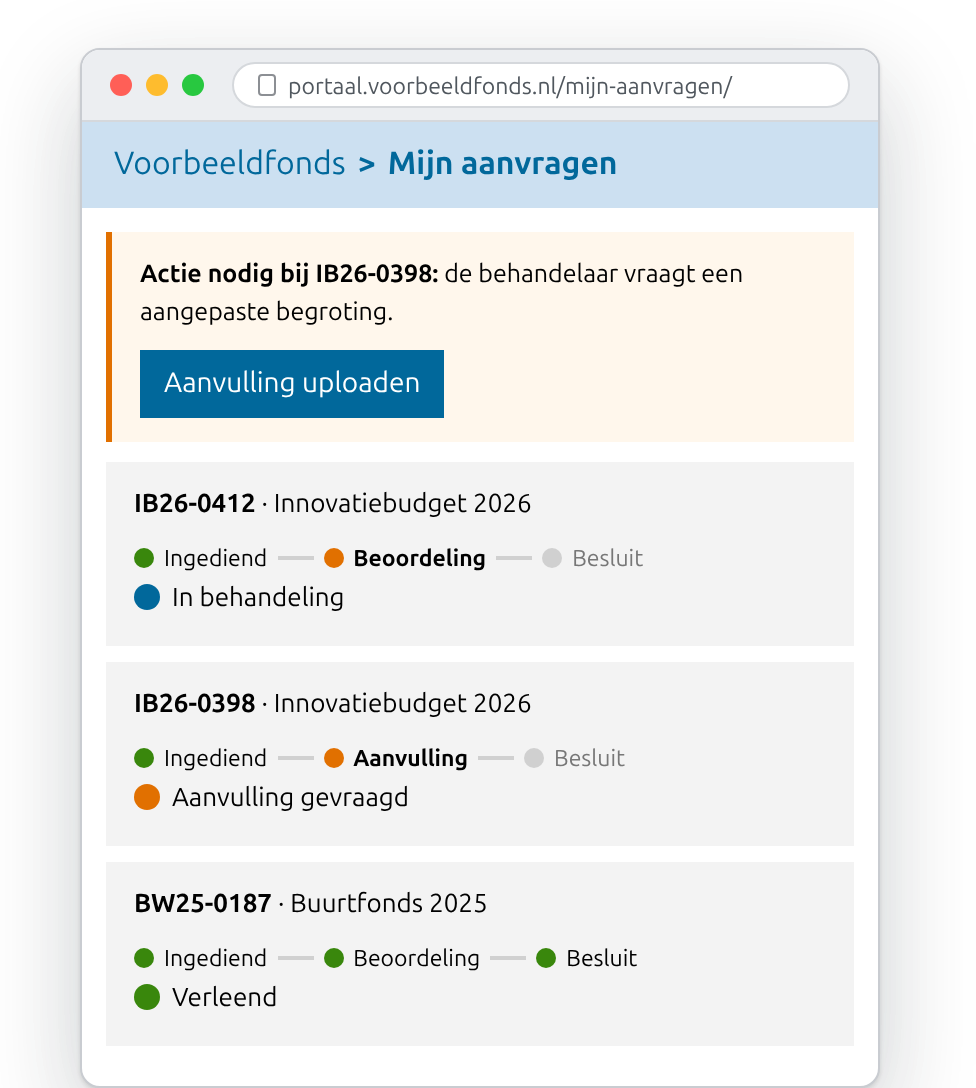
Sound familiar?
Too much work falls between systems
No system shows who needs to do what or how things are progressing. That information is in people’s heads, lists and inboxes.
- The form arrives online, the additional information by email and the signature by post.
- Three colleagues each keep their own list. On Mondays, they compare them.
- The decision is in the case management system, the supporting information in someone’s inbox.
- An applicant asks what the next step is, and no one can give an immediate answer.
What changes
One workspace built around the process
Each user sees the information, tasks and options relevant to their role.
- SubmitUsers submit data and documents through a single point of entry.
- AssignRules route the application to the right case handler or assessor.
- HandleTasks, comments, documents and decisions stay with the case file.
- TrackUsers and internal teams see the status and outstanding actions.
Customer, partner and member portals
Your customers, partners and members handle it themselves
A process portal is not just for your own team. External users log in, submit their own data and immediately see what is outstanding. No more status queries, no more document versions in inboxes.
Examples of what you can set up in the process portal:
- Personal dashboards and a status overview
- Roles and permissions for each user, organisation or team
- Documents, messages and forms in one place
- Integration with your CRM, membership management or back office
Proof
Process portals in practice
-
Rijksoverheid
12.000 potential applicants, 70 case handlers
Grant process for 12,000 potential applicants
View case study: Grant process for 12,000 potential applicantsAn application and assessment portal for a scheme with more than 12,000 potential applicants and a case handling team of 70 people.
-
Curriculum.nu
2.500 potential submitters, 150 assessors
Curriculum.nu: one workflow for submitters and assessors
View case study: Curriculum.nu: one workflow for submitters and assessorsA platform set up for 2,500 potential submitters, 150 assessors and multiple rounds of feedback on educational reform.
“The people at Aiwos act as a partner. They think things through with us. I don’t have to explain what they need to do.”
Kevin Willemsen, external project manager at Curriculum.nu
When this fits
A good fit
- the process recurs and involves multiple steps
- multiple roles work on the same case file
- status, permissions and history need to be visible
You’re also in the right place if
- you want to start small with one process and expand later
- you’re not yet sure where the biggest gains are
- you first want advice on the smartest approach
No-obligation exploration
Discuss your portal
In 30 minutes, we’ll discuss who works with your process, where it gets stuck today and how a portal can solve that.


You will speak to Jurriaan Koops or René Serier, the partners at Aiwos.
After submitting
- A personal response within one working day
- A 30-minute conversation at a time that suits you
- A concrete next step, even if we are not the right fit