
System integrations
Stop retyping data between systems
An application comes in online, then someone types the same data into a CRM, accounting or ticketing system. An integration transfers only usable data and makes errors visible.
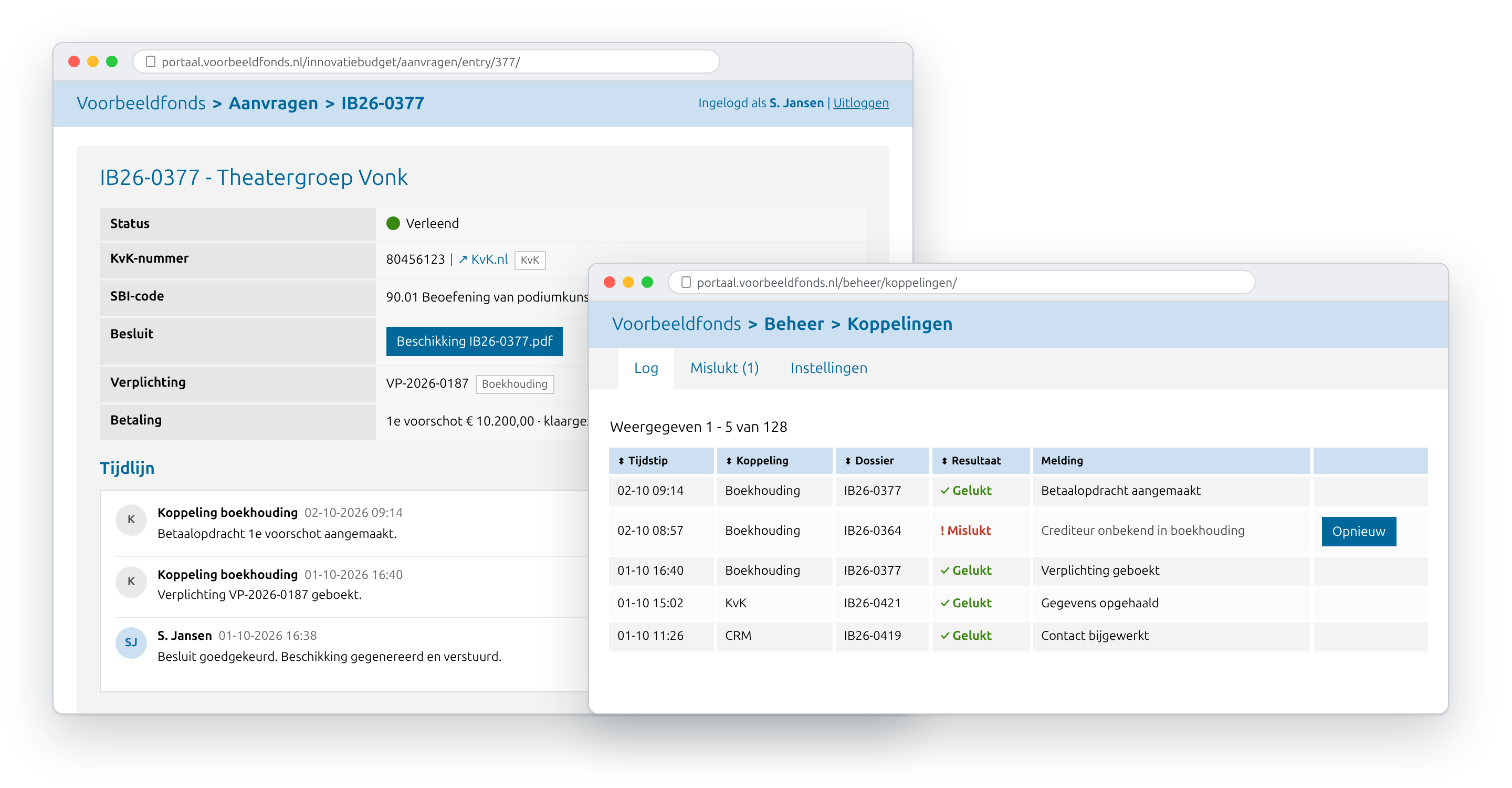
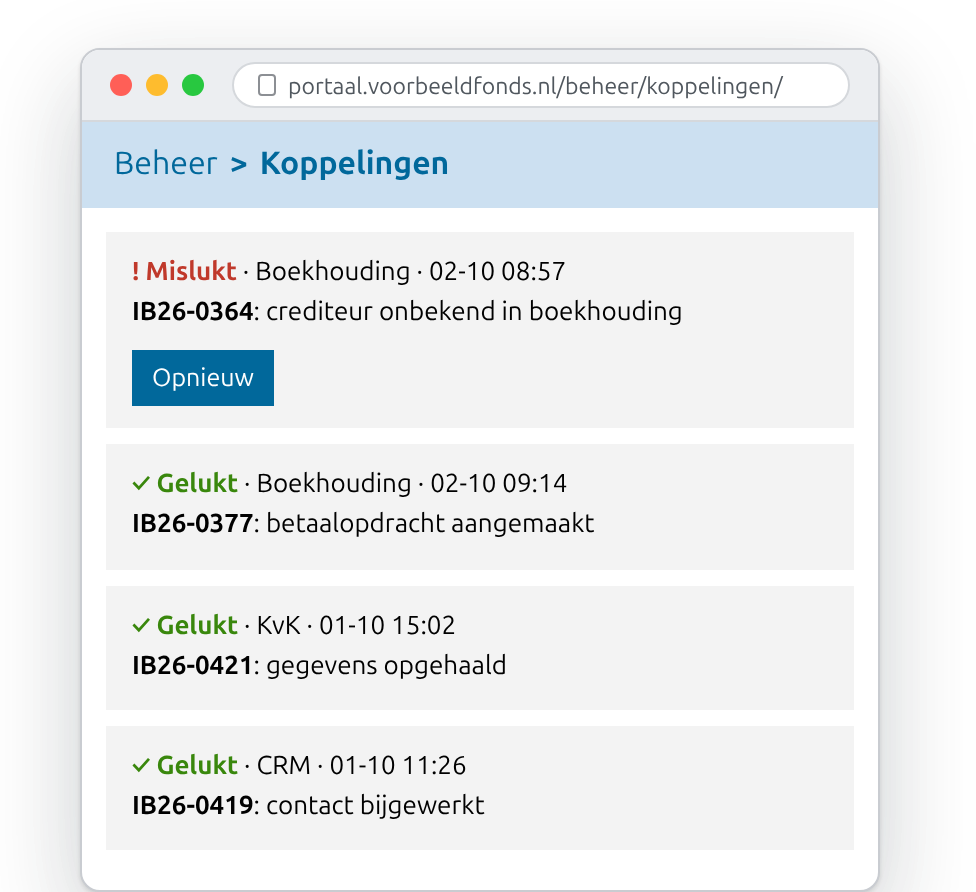
Sound familiar?
Your systems work well, but separately
Your colleagues are the link between them. That takes time, and errors only come to light later.
- Every day, someone manually transfers data from forms to the CRM.
- A typo in the IBAN only comes to light when the payment is returned.
- The integration has been failing for three days without an alert. You only find out when a customer calls.
- The CRM shows the customer as active, but in the accounting system the contract has already been cancelled.
What changes
Data moves on in a controlled way
We first map out the source, destination and exceptions. Then we build the transfer with checks and error handling.
- Define the scopeWe determine which data is authoritative and when it can be transferred.
- ValidateFields, permissions and external checks are validated before transfer.
- IntegrateThe process creates or updates data in the target system.
- MonitorLogging and error messages show what went well and what needs attention.
Proof
Integrations in a grant process
KvK (Dutch Chamber of Commerce) and SBI data were checked at the source, and IBANs via SurePay. Approved applications were transferred to the payment system through an integration.
Rijksoverheid
12.000 potential applicants, 70 case handlers
Grant process for 12,000 potential applicants
View case study: Grant process for 12,000 potential applicantsAn application and assessment portal for a scheme with more than 12,000 potential applicants and a case handling team of 70 people.
When this fits
A good fit
- data is currently transferred manually on a regular basis
- the source and target systems offer a usable integration option
- errors and exceptions need to be traceable
We work this out for you
- together, we determine who owns which data
- we find an integration route, even for difficult systems
- we document rules and exceptions
No-obligation exploration
Discuss your integration
In 30 minutes, we map out which systems exchange data, where data is currently retyped and which integration route makes sense.


You will speak to Jurriaan Koops or René Serier, the partners at Aiwos.
After submitting
- A personal response within one working day
- A 30-minute conversation at a time that suits you
- A concrete next step, even if we are not the right fit